
This artifact presents a comprehensive, multi-page instructional document designed to teach seniors how to use social media. Created in Microsoft Word, the project demonstrates a blend of task-oriented content, modular structure, and clear step-by-step guidance tailored to a non-technical audience. The guide incorporates accessibility principles and user-centered design, reflecting my proficiency in instructional documentation.
Goals
The goals of the project included:
- writing clear, accessible instructions for senior and elderly users on how to navigate social media
- structuring the content using modular design principles for easy navigation
- incorporating graphics and step-by-step instructions to enhance understanding
Objectives
The primary objectives of this project were to:
- develop step-by-step instructions for older users on how to use social media platforms.
- ensure the document was easy to follow by employing clear headings, concise steps, and visual aids
- use modular design for intuitive navigation and usability
Outcome
The project achieved the following results:
Accessible Instruction
A guide that empowers elderly users to navigate social media with confidence.
Integrated Visuals
A combination of text and graphics that improves readability and comprehension.
Professional Documentation
A demonstration of advanced technical communication and instructional design skills.
Approach
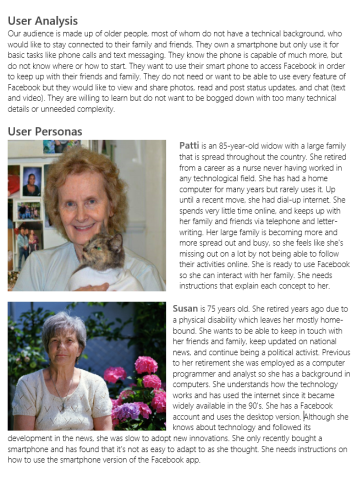
User Analysis
The project began with audience analysis to determine the specific needs and challenges faced by elderly users when learning new technology.
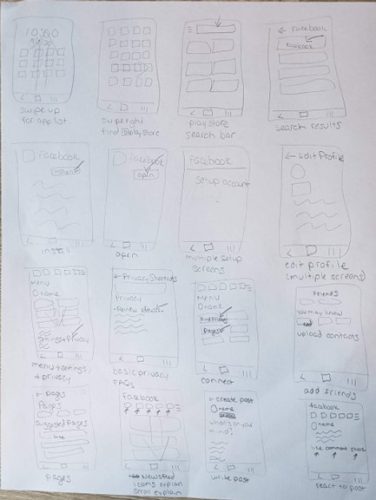
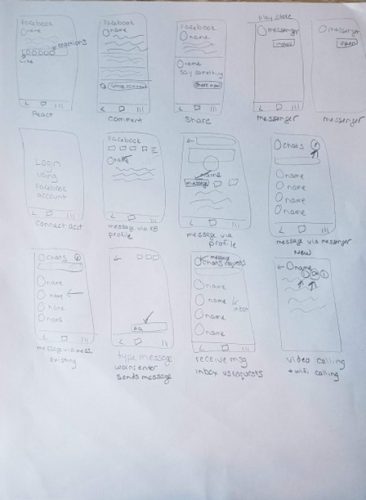
Outline and Storyboard
Using insights from the user research, I created a detailed outline and storyboard to plan the document’s structure and flow.
Document Creation
The document was developed in Microsoft Word, with step-by-step instructions formatted into clearly numbered lists. Visual aids, such as screenshots and icons, were placed near their corresponding steps for clarity.
I employed modular design principles, ensuring each section could stand alone for quick reference.
Feedback from peers and iterative revisions helped refine the guide to meet accessibility and user-centered design standards.
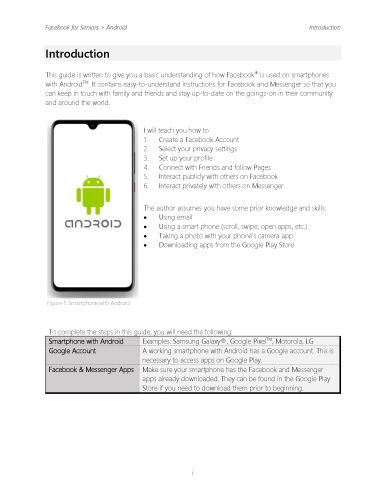
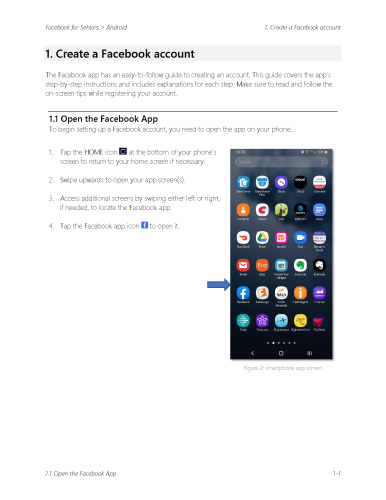
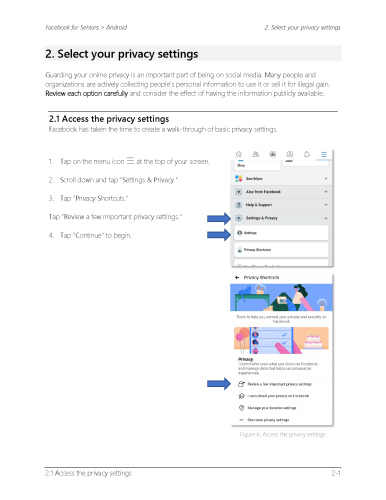
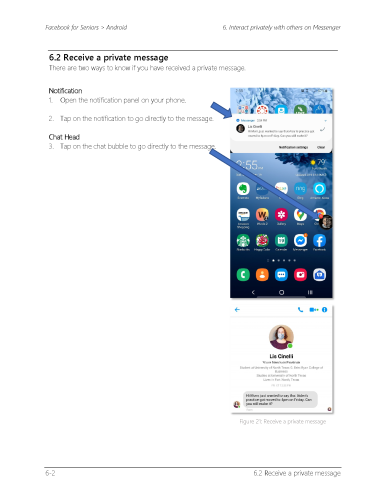
The deliverable is a polished, multi-page guide created in Microsoft Word.
Final Deliverable
The final deliverable is a polished multi-page instructional document, created in Microsoft Word and submitted as a high-resolution PDF export for print and web formats.